Introduction
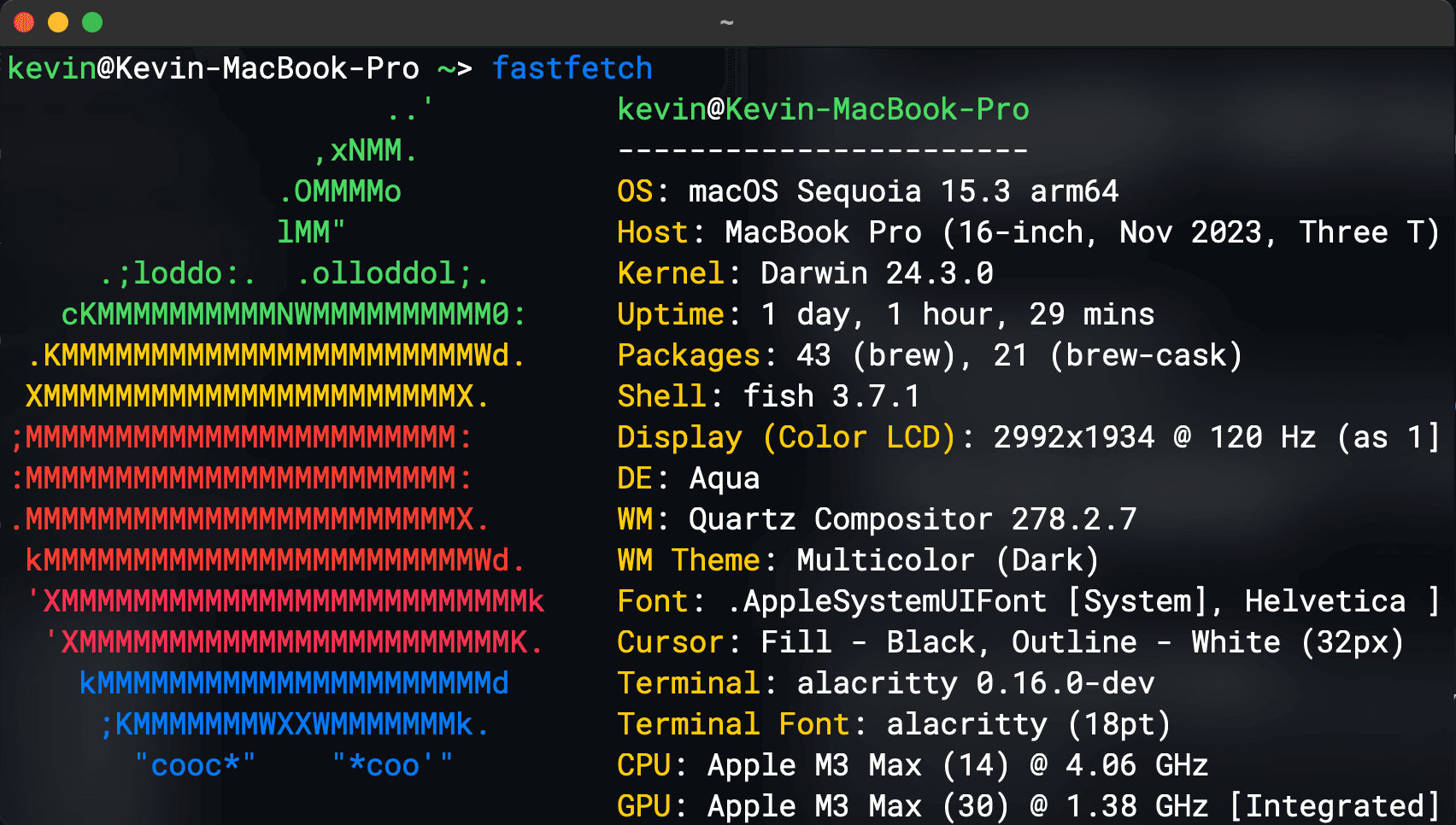
Alacritty is a contemporary terminal emulator, characterized by sensible defaults yet allowing for extensive customization. By integrating with other applications, rather than reimplementing their functionalities, it offers a flexible and high-performance feature set. The currently supported platforms encompass BSD, Linux, macOS, and Windows.
Installation
If modification of the icon is not required, direct download is recommended:
-
Directly download the officially compiled installation package: https://alacritty.org/index.html
-
Manual Compilation Here, because the source code's icon is square with right angles and does not quite align with the macOS icon style, I have personally forked a version with a modified icon, thus necessitating manual compilation.
Install the Rust and Make environments:
# Install the Rust environment; if it already exists, this step can be skipped.
curl --proto '=https' --tlsv1.2 -sSf https://sh.rustup.rs | sh

brew install make
 # Shallow clone the repository code.
git clone --depth 1 https://github.com/KevinYouu/alacritty.git

cd alacritty

# Compile for the current architecture.
make dmg

# Compile the universal architecture for macOS.
# dmg-universal
Subsequently, the compiled application and DMG file can be located in the alacritty/target/release/osx directory. Simply place these into /Applications for immediate use.
Configuration
The following is my personalized configuration file: